

The parent communication challenge
You send out a detailed newsletter about next week's early finish. Three days later, your inbox explodes with confused parents asking about pickup times. Sound familiar?
You're not alone. School administrators everywhere struggle with the same communication puzzle. Despite sending emails, posting updates, and hosting meetings, important messages still get lost in the shuffle.
But it's crucial to perseve. High parental engagement has been found to give a student an additional four month's progress per year. Across their time at school that's an extra 2-3 years. But most schools rely on text-heavy communication that simply doesn't cut through.
Language barriers make things even trickier. Traditional written updates leave non-native speakers behind, creating an information gap that affects entire families. Add busy schedules and information overload to the mix, and you've got a recipe for miscommunication.
Why animated explainers work for school communication
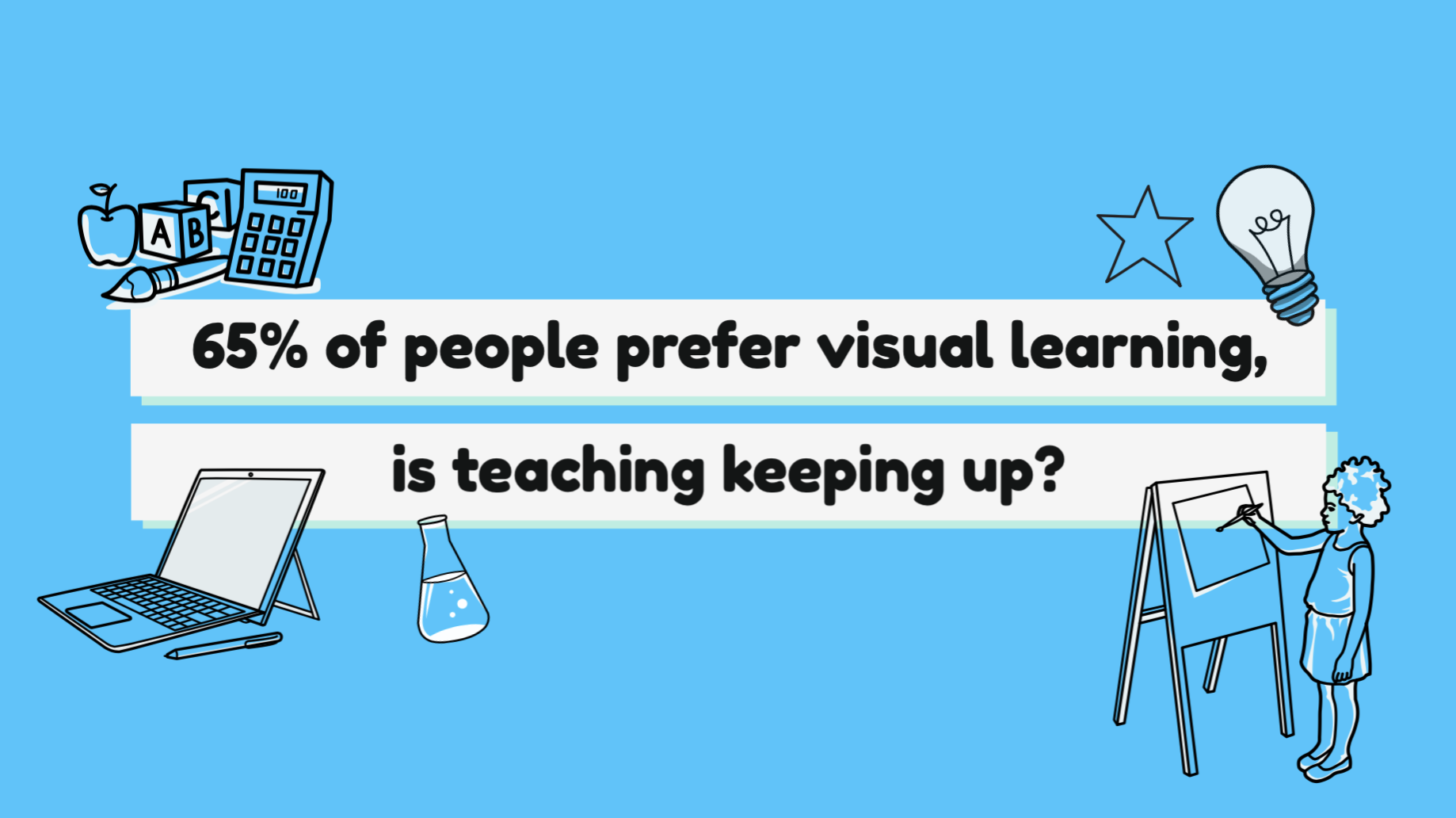
Research from the Social Science Research Network shows that 65% of people are visual learners. That's more than half your parent community who'd rather watch than read.
But it gets better. Insivia found that viewers retain 95% of a message when watching it in a video, compared to just 10% when reading text. That's the difference between parents actually remembering your pickup procedures and showing up at the wrong time.
Animated video breaks down language barriers too. Visual storytelling transcends words, making complex policies accessible to everyone in your school community. A simple animation showing drop-off procedures speaks louder than a thousand-word email.
Plus, Wordstream reports that videos are shared 1,200% more than text and images combined. When parents find your content helpful, they'll spread it through their WhatsApp groups faster than any newsletter.
Key use cases for school animated videos
The possibilities are endless, but let's start with the heavy hitters:
Enrollment and registration processes
Transform your 20-page enrollment packet into a friendly 90-second video. Show parents exactly which forms they need, where to find them, and how to submit everything on time.
School policies and procedures
Dress codes, attendance policies, discipline procedures – these dry topics become digestible when animated. Parents actually watch (and understand) the rules when they're presented visually.
Event announcements and fundraisers
Boost participation by creating excitement. An animated invitation to your spring carnival generates way more buzz than another email in the inbox.

Health and safety protocols
Whether it's allergy procedures or emergency drills, animated videos ensure every parent knows the plan. Visual demonstrations stick better than written instructions when safety's on the line.
Academic program explanations
Help parents understand new math methods or reading programs with clear visual examples. When parents grasp the concepts, they can better support learning at home.
Technology platform tutorials
Show parents how to check grades, submit assignments, pay for trips or use communication apps. Step-by-step animations eliminate confusion and reduce help desk calls.
Creating effective school communication videos
Great school videos follow a simple formula. Keep them short, under two minutes is the sweet spot. Parents are busy, and even the most engaging content loses viewers after that mark.
Use clear, conversational language. Write like you're talking to a friend, not delivering a board presentation. Skip the education jargon and speak human.
Consistency matters. Include your school colors, logo, or mascot in your videos. This builds trust and helps parents instantly recognize official school communications.
Don't forget accessibility. Add captions to every video. They help non-native speakers, parents watching without sound, and anyone with hearing difficulties. It's a small step that makes a huge difference.
Why Busy School Administrators Love VideoScribe
School administrators don’t have time to wrestle with complicated software. You need tools that simplify communication, not add another task to your plate. VideoScribe is built exactly for that, fast, intuitive, and ready to use the moment you open it.
Create videos in minutes, not hours
VideoScribe’s drag-and-drop editor means you can build a professional video without any design or editing experience. Add scenes, swap text, and choose visuals in just a few clicks, ideal when you’re squeezed between meetings, parent enquiries, and last-minute changes.
Templates designed for real school needs
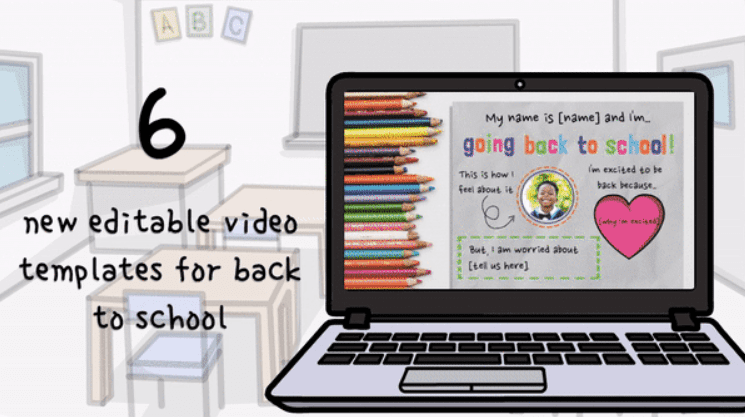
Instead of starting from a blank page, you can pick from ready-to-use templates built around common communication tasks: announcements, updates, event reminders, policy explainers, and more. Each one is structured so you only need to replace the content, saving you huge amounts of time.
An education-focused image and icon library
No need to hunt for visuals. VideoScribe includes thousands of school-friendly graphics; classrooms, subjects, events, equipment, characters, and more. Everything is searchable, consistent in style, and instantly usable.
Clear, friendly messaging every time
Explainer-style videos help parents understand information quickly. Whether it’s a policy change, a new process, an event reminder, or a safety update, VideoScribe makes complex messages easier to digest — reducing follow-up questions and saving your team admin time.
Share anywhere your parents are
Export your video once and publish it everywhere: email, social media, your school website, digital signage, or your parent portal. No extra formatting, no tech headaches, just a single video that works across all your channels.
Perfect for small teams and stretched staff
Because it’s so simple to use, anyone in your office can pick up VideoScribe and create consistent, high-quality content. You don’t need a designer, a videographer, or extra budget, making it a cost-effective solution for schools under pressure.
Implementation strategy
Start small. Pick one high-impact topic that causes regular confusion. Maybe it's your carpool procedures or uniform policy. Create one stellar video and watch the response.
Build a video library over time. Organize videos by category on your website so parents can easily find what they need. Think of it as a visual FAQ that actually gets used.
Measure what matters. Track video views, parent feedback, and most importantly – whether those repetitive questions decrease. When parents stop asking about pickup times, you know your video's working.
Empower your team. Train key staff members on basic video creation. When multiple people can make videos, you'll maintain momentum even during busy seasons.
The best part? Once you create a video, it works for you year after year. That enrollment explainer video you make today will save countless hours next registration season.
Transform your school communication today
Parent communication doesn't have to feel like shouting into the void. With animated explainer videos, your messages finally land with the clarity and impact they deserve.
Every confused email you prevent, every policy clearly explained, every parent who feels truly informed – it all adds up to a stronger school community. And that benefits everyone, especially the students.
The tools are ready. The templates are waiting. Your parent community is hungry for clear, engaging communication that respects their time and meets them where they are.
Ready to revolutionize how you connect with parents? Start your VideoScribe free trial today and create your first school communication video in minutes. Try VideoScribe free – because every parent deserves to be in the loop.
.png "VideoScribe")







COMMENTS