

Here's a look at some of what we've shipped lately, starting with a couple of updates that give you more control over how your video sounds and looks.
Timeline transcript for your voiceover
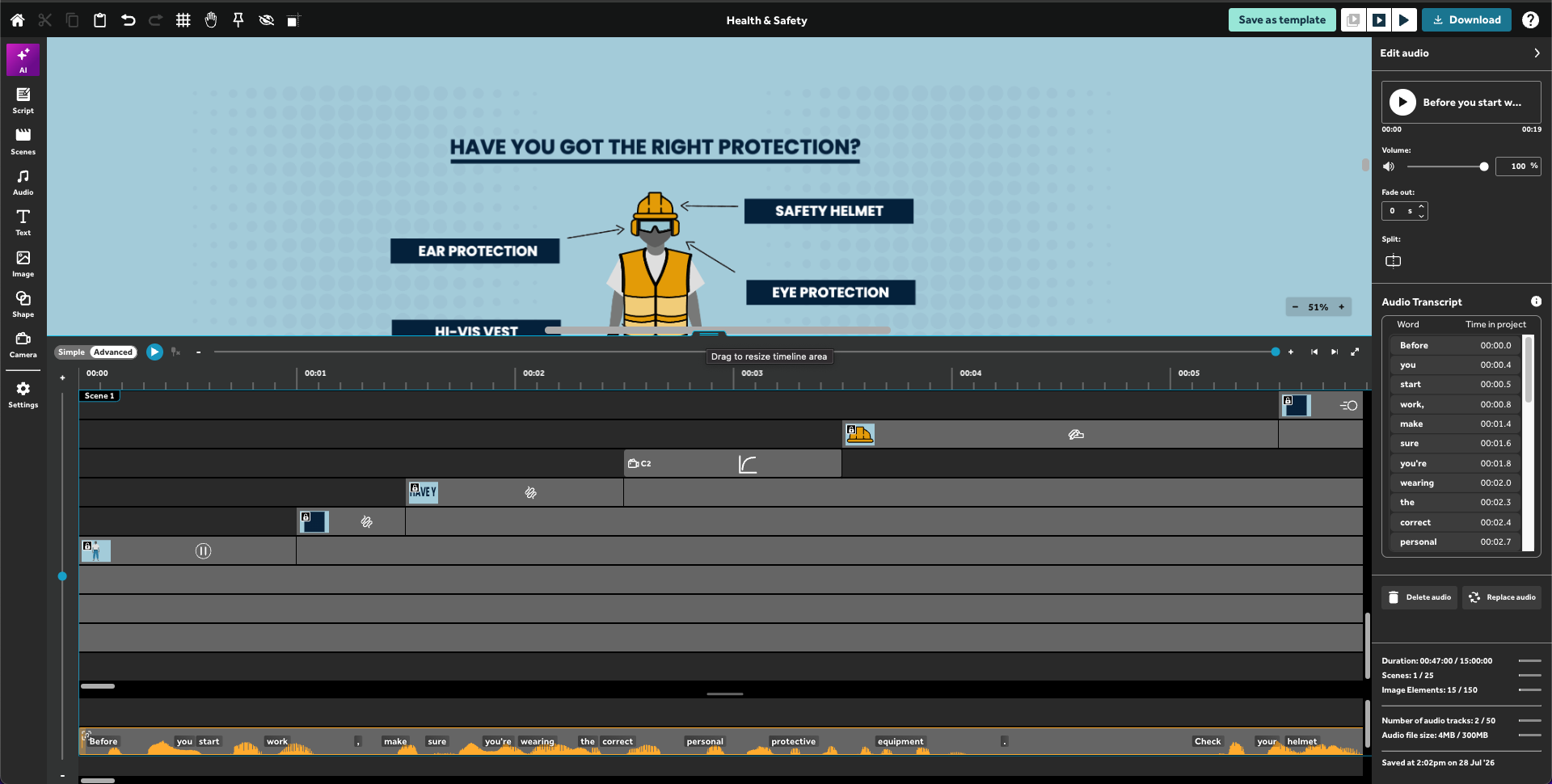
When you're working in the advanced timeline, your AI-generated voiceover now comes with a transcript. The words appear along the audio track in the timeline, positioned where they're spoken. While the Edit audio panel lists each word alongside its time in the project. You can click any word to jump straight to that point in the timeline, or hold Option to see times relative to the clip. It's a quicker way to line up an image change, cut, or transition with the audio.
More consistent visuals
Two updates make it easier to keep the look of a project consistent:
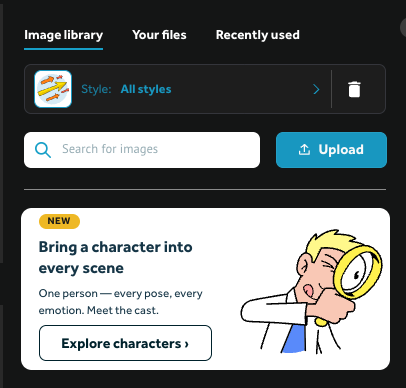
- Filter images by style. The style selector in the image library lets you narrow it down to a single visual style, such as Illustrated, Line Art, Comic, Flat, or Expressive. Instead of hunting through everything, you only see images in that style, which makes it easier to find ones that match and keep a project looking consistent.
- A fuller character selector. There are now 36 recurring characters to choose from, each with a wide range of poses and emotions. Reusing the same character across scenes helps tie a video together, and having so many poses and expressions to draw on means you can carry a character through a story, reacting and moving with what's happening.
These new features help you give a video a cohesive look and feel. If you want to go deeper, our guide on choosing and setting a theme covers how backgrounds, colors, images, and fonts come together to make a video look more professional.
A few more improvements
Some other updates you'll find:
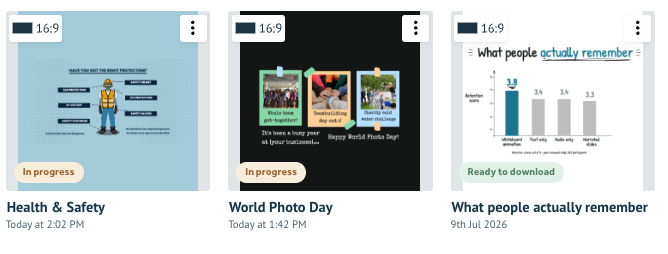
- Clearer project statuses. The project page now shows "in progress" and "ready to download" labels, so you can see which videos are done and which are still being worked on. You can also re-download any project from the three-dot menu. When you re-download from here the video doesn't need to be re-rendered so will download instantly.
- Multiple scripts per project. You can now store more than one script per project, which is handy for iterating or keeping alternate versions.
 As always, these updates are aimed at helping you create more engaging videos.
.png "VideoScribe")



.png)


COMMENTS